Featured
New ways to keep your Metrobank account secure
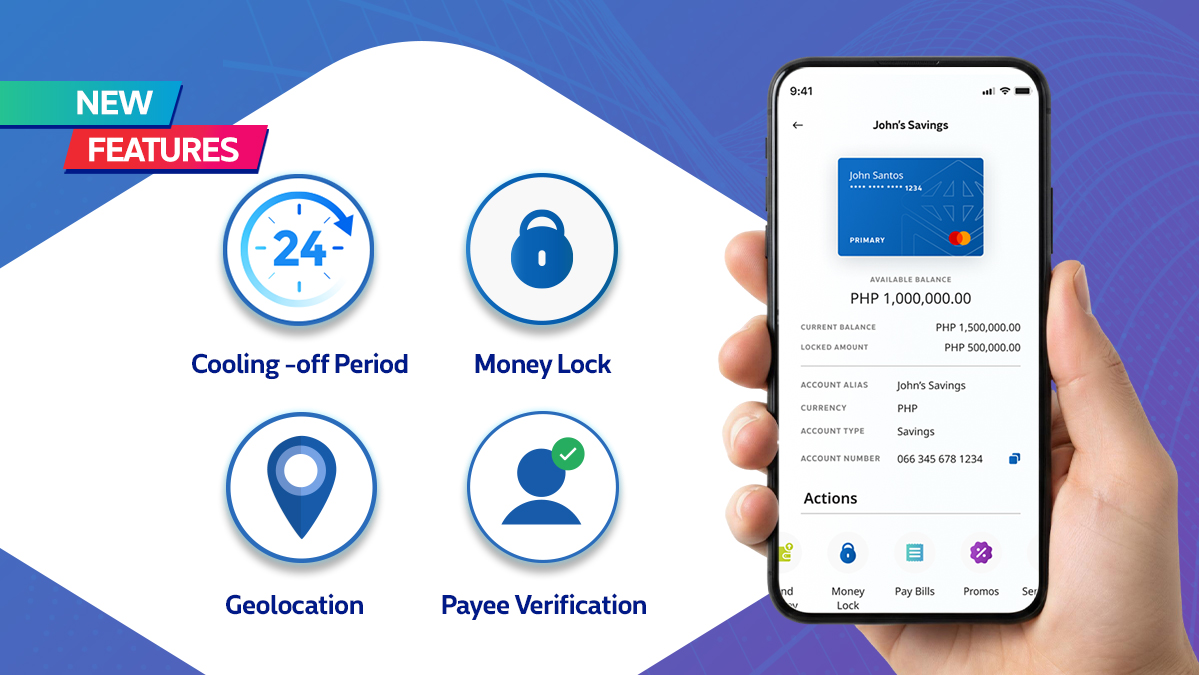
Fraudsters may be getting smarter, but Metrobank is committed to keep your account in good hands. Aligned with national efforts to build a safer digital ecosystem for everyone, we are rolling out a suite of powerful new security enhancements directly to your Metrobank App. These enhancements are part of our continuous commitment to strengthening account security in line with the Anti-Financial Account Scamming Act (AFASA) and Bangko Sentral ng Pilipinas (BSP) Circular No. 1213.
Here is everything you need to know about your upgraded digital security toolkit:
1. Money Lock: Your Digital Vault
True financial security means having total authority over your liquidity. Money Lock allows you to instantly secure a specific portion, or even the entirety of your funds from any outgoing transactions. Your locked money stays safely insulated and immovable until you decide you are ready to use it and unlock it. It’s the ultimate digital vault for your peace of mind. To find out how you can lock a part of your funds, visit the Money Lock FAQ.
2. Cooling-Off Period: A Crucial Safety Buffer
In the event of an unauthorized account takeover, scammers will often try to change your login credentials or security settings right away to box you out and disrupt your access. Our new Cooling-Off Period stops them in their tracks. Whenever crucial security settings are modified on your profile, the app automatically triggers a temporary 24-hour hold on outgoing transactions. This gives you a vital window of time to flag unauthorized changes before any money can leave your account. Still got questions about the Cooling-Off Period? Read the Cooling-Off Period FAQ.
3. Geolocation: Real-Time Fraud Fighting
Fraud often happens a safe distance away. To combat this, our new Geolocation feature helps prevent unauthorized access by verifying your physical location during transactions. By matching your smartphone's location with the transaction attempt, the app can instantly flag and block suspicious activity happening elsewhere, ensuring that your transactions only clear when and where you authorize them. Learn more about how Geolocation works: Geolocation FAQ.
4. Payee Verification: Double-Check Before You Send
Accidentally sending money to the wrong mobile number or an incorrect account can be a stressful ordeal. Payee Verification removes the guesswork. Before you finalize any transfer, the app helps you verify and confirm the actual identity of the recipient. This removes the risk of typos and wrong numbers, giving you absolute peace of mind before you send money. Check out the Payee Verification FAQ to understand how it protects you.
Built for a Safer Banking Standard
These security features aren't just built for convenience; they represent the bank's unwavering commitment to maintaining the highest standards of financial safety.
By aligning our platform with strict national regulatory standards, we ensure that your digital banking environment is resilient against evolving cyber threats.
The best defense is an updated defense. To experience a smarter, tighter, and more secure way to bank, download or update your Metrobank App today.
More Smart Reads